
DarkMatter for Android
VPN for Android
Encrypt your connection on Wi-Fi and mobile data, and hide your IP address from the sites you visit. Get the app from Google Play and sign in with your DarkMatter account.


Scan with your phone’s camera to get the app
- Free to download
- Needs a DarkMatter plan
- 30-day money-back guarantee on your first website purchase (14 days on monthly plans)
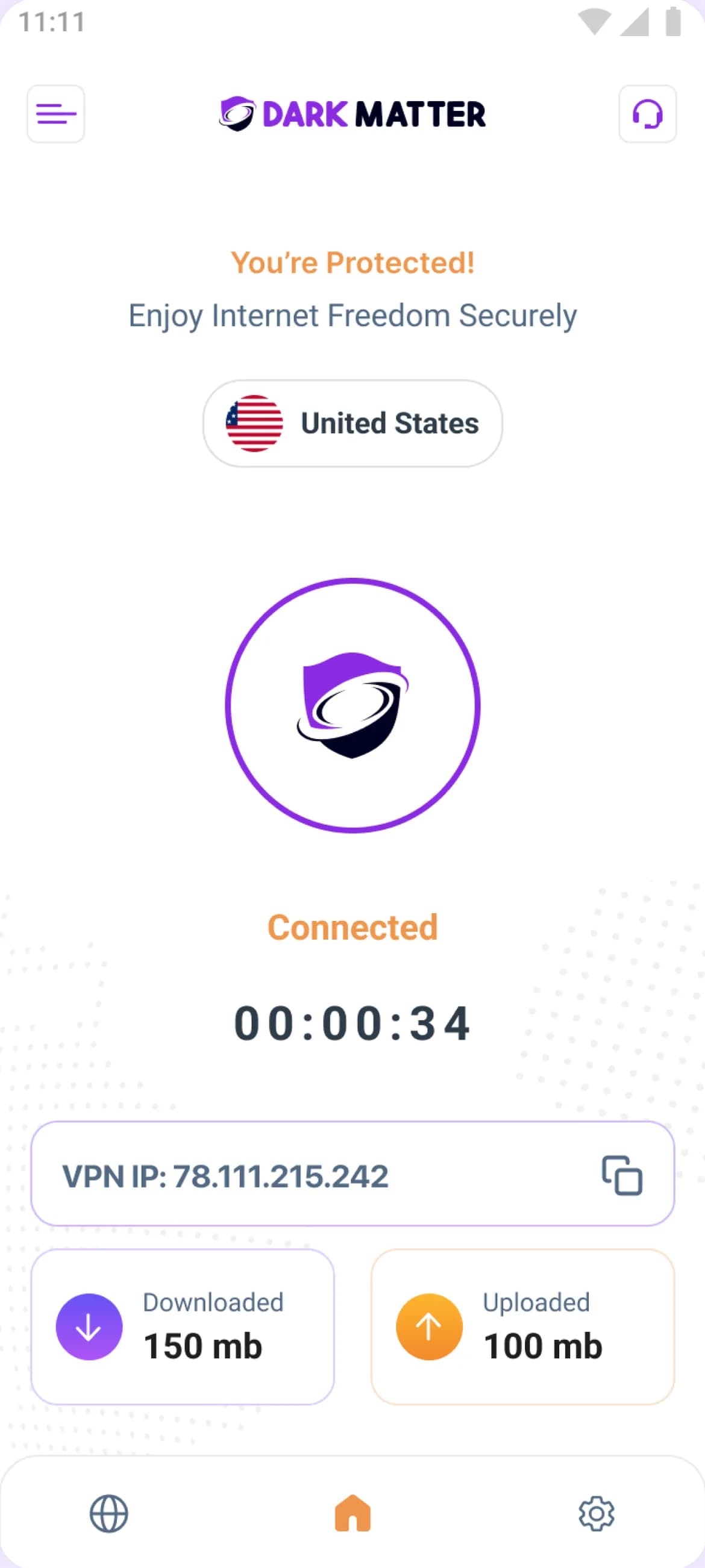
Get started
How to set up DarkMatter on Android
Get the app
Install DarkMatter from Google Play on your Android phone or tablet.Sign in
Open the app and sign in with the email and password for your DarkMatter account.Approve the VPN connection
The first time you connect, Android asks for permission to set up a VPN connection. This standard prompt appears for any VPN app; approve it once.Connect
Choose a country and connect. To check it’s working, open our IP checker: it shows the IP address websites see.
DarkMatter for Android at a glance
- Price of the app
- Free to download; needs a DarkMatter plan
- Where to get it
- Google Play
- Works on
- Android 7.0 or later, on phones and tablets
- Devices per plan
- Up to 5 at once, across all your apps
Only install DarkMatter from Google Play. If you find it offered anywhere else, don’t install it.
A closer look
Inside the Android app
Real screens from the DarkMatter app for Android, on a phone and a tablet.
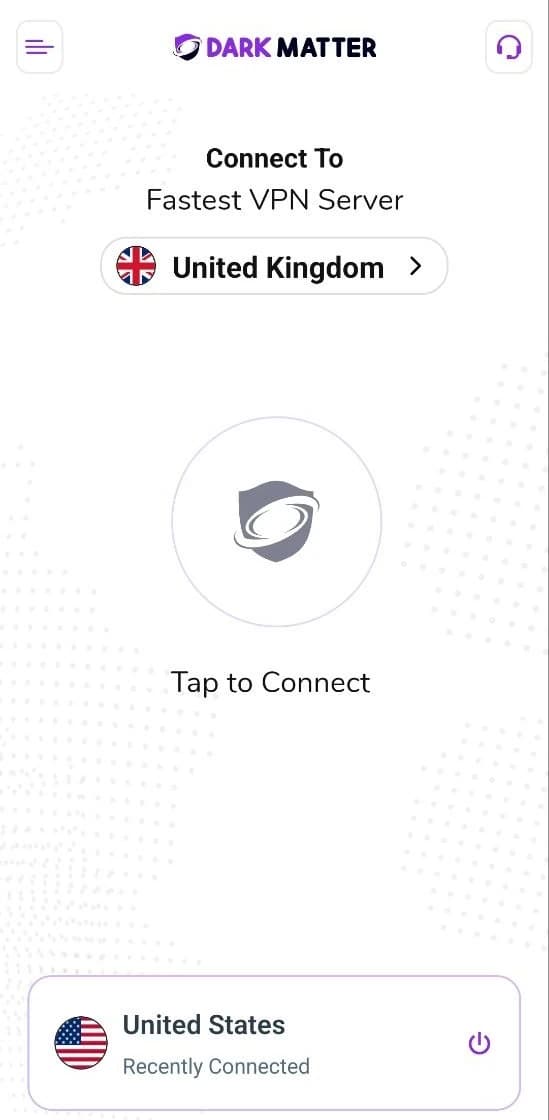
On an Android phone, pick the country you want and connect with one tap. The place you connected to last is kept at the bottom. 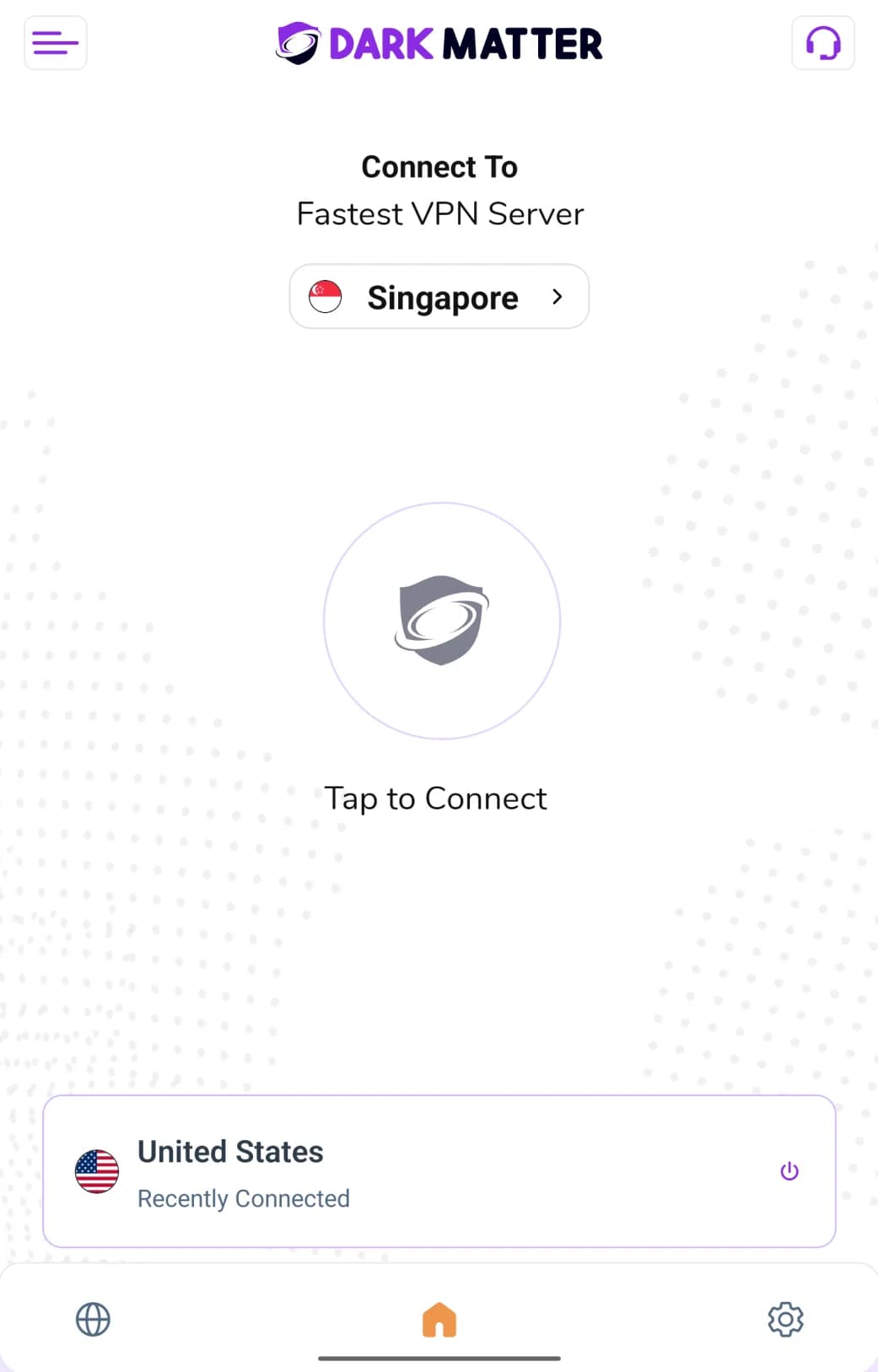
The same Android app on a tablet, with buttons along the bottom and your most recent location just above them.
The basics
What is an Android VPN?
In everyday use, an Android VPN is an app that sends your phone or tablet’s internet traffic through an encrypted tunnel to a VPN server, and out to the internet from there.
Websites and apps see the VPN server’s IP address rather than yours, and the Wi-Fi or mobile network you’re on carries the tunnel without being able to read what’s inside it.
Android has built-in settings for VPN connections, and it asks your permission the first time an app sets one up. It still needs a VPN service to connect to, and that’s what the DarkMatter app and your plan provide.
For how the tunnel works and what a VPN can’t do, read our guide What is a VPN?
- Your phoneThe DarkMatter app encrypts your traffic before it leaves.
- Encrypted tunnelYour Wi-Fi or mobile network sees a connection to the server, not what’s inside.
- VPN serverDecrypts your traffic and passes it on.
- Websites you visitSee the VPN server’s IP address instead of yours.
What it changes
Websites and apps see the VPN server’s IP address rather than yours. Your Wi-Fi or mobile network sees an encrypted connection instead of the sites you visit.
What it doesn’t do
It doesn’t make you anonymous: sites you sign in to still know it’s you. It doesn’t stop phishing, scams or malware either, because the tunnel carries whatever you send.
How you’ll know it’s on
While you’re connected, Android shows a VPN indicator in the status bar, usually a key icon, though it can look different on some phones and tablets. To double-check, open our IP checker: it should show the VPN server’s address, not your usual one.
Every plan
What comes with your plan
One account for all your apps
Sign in with the same DarkMatter account on each device, and use up to 5 devices at once.
A global server network
Connect to a network of 6,000+ servers in 65+ countries. See server locations.
An encrypted connection
Your traffic travels through an encrypted tunnel to a VPN server, and sites see the server’s IP address rather than yours.
Help from our support team
Email support@darkmattervpn.com or open a request from your account. We usually reply within one working day.
Settings can differ between platforms, and each app shows what’s available on that device. See the features included with your plan.
Help
Android app questions
Can I use DarkMatter on an Android tablet?
Yes. The DarkMatter app on Google Play is for Android phones and tablets, and you install it and sign in the same way on either. Google Play shows whether the app is available for your device. A tablet counts as one of the up to 5 devices your plan covers at once.
Does the money-back guarantee cover purchases made in Google Play?
No. Our money-back guarantee (30 days, or 14 days on monthly plans) covers your first purchase on this website. Purchases made through Google Play follow Google Play’s own refund rules, so ask Google Play for a refund. Our refund policy has the details.
I subscribed on the website. Can I use the same account on Android?
Yes. Your DarkMatter account works across the website and the apps. Sign in to the Android app with the same email address and password you use for your account.
Which Android versions are supported?
The DarkMatter app works on Android 7.0 or later. The Google Play listing shows the current minimum version for the latest app.
The VPN won’t connect on Android. What should I try?
Check that you have a working internet connection, try a different server location, and make sure the app is up to date on Google Play. If it still won’t connect, email support@darkmattervpn.com.
Get DarkMatter on your Android phone or tablet
- 30-day money-back guarantee on your first website purchase (14 days on monthly plans)
- Up to 5 devices at once
- Windows, macOS, iOS, Android and Fire TV